By Bilal Akram, CFA | Lead AI & Tech Economy Analyst| Updated 24 jan,2026
Quick Overview
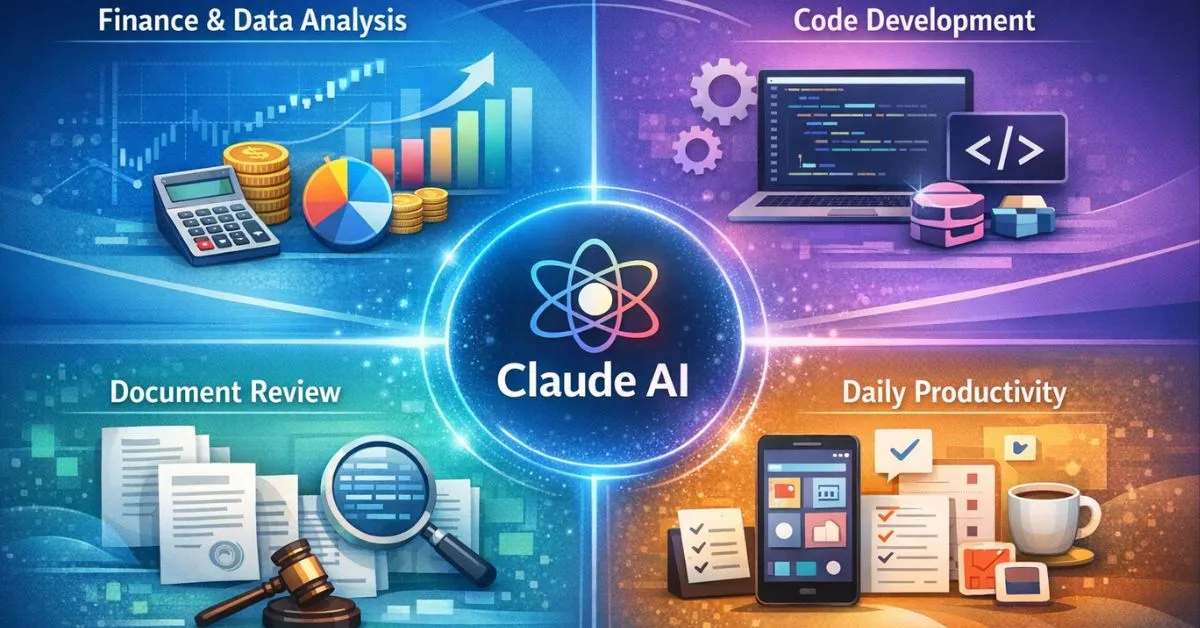
In 2025, Claude has evolved from a conversational chatbot into an agentic productivity layer. With features such as Model Context Protocol (MCP), Artifacts, and Computer Use, Claude is increasingly used for financial analysis, coding, legal review, research automation, and practical daily life tasks.
If you’re new to Claude, start with our Claude beginner guide to understand the interface, core features, and basic prompts in under three minutes.
Quick Answer (AI Overview Ready)
Claude AI is best used in 2025 for structured reasoning tasks such as financial analysis, large document review, coding prototyping, and guided task automation where accuracy, context retention, and predictable outputs matter.
The Rise of Agentic AI in 2025
What is Agentic AI? (AI Overview Ready for Claude AI)
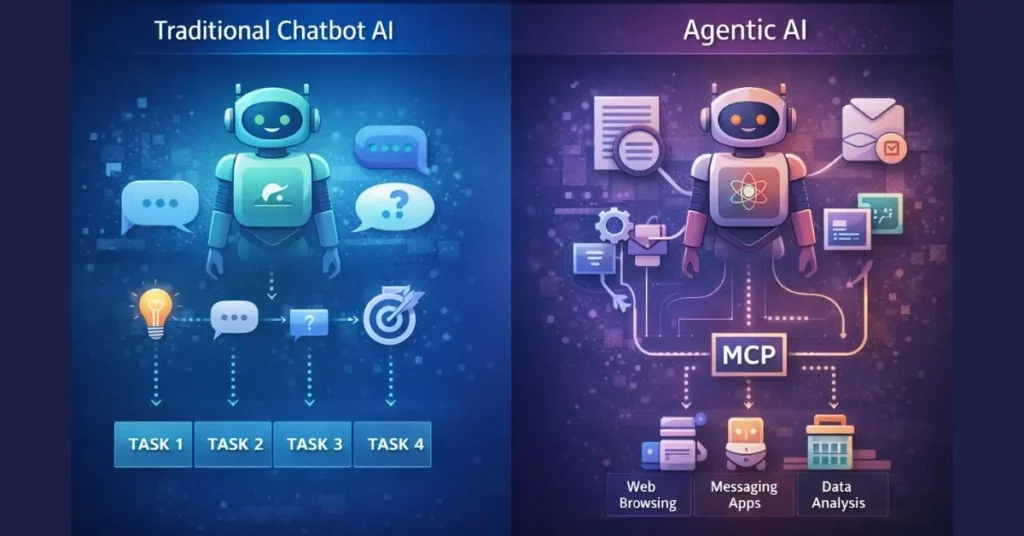
Agentic AI refers to systems that can plan and execute multi step actions toward a goal, rather than only responding to single prompts. Claude supports agent like workflows by maintaining context, producing structured outputs, and interacting with tools under user supervision.
The AI landscape has moved beyond simple prompt response systems. Agentic AI refers to models that can perform multi step actions toward a defined goal analyzing data, switching tools, and producing structured outputs.
Claude stands out in this transition due to its emphasis on reasoning reliability and safety, built on Anthropic’s Constitutional AI framework. For professional environments finance, law, research this design focus reduces the risk of fabricated outputs and improves consistency in long form and data heavy tasks.
Why this matters: In regulated or high stakes work, predictability and transparency are more valuable than raw creativity.
1. Model Context Protocol (MCP): Persistent, Connected Context
What is MCP in Claude AI? (AI Overview Ready)
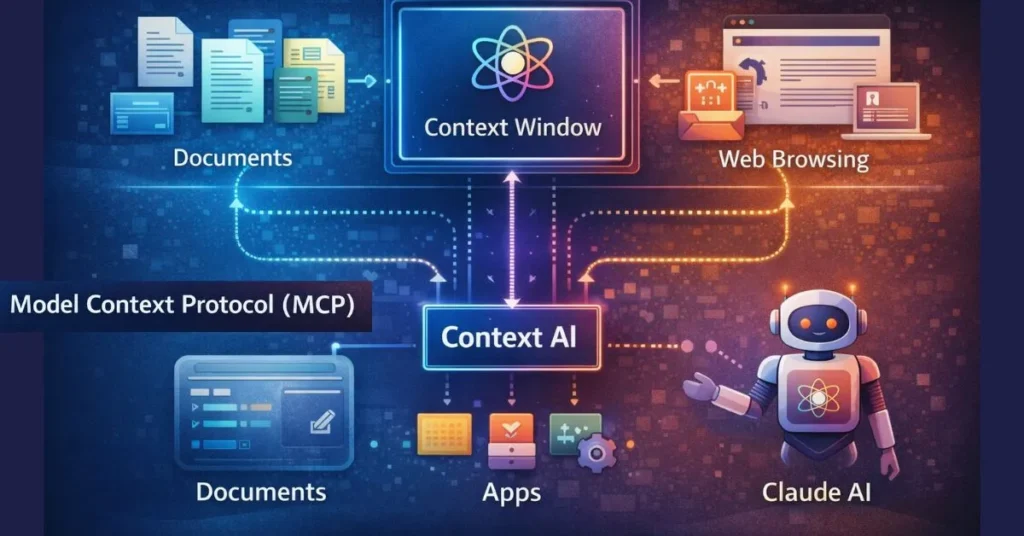
Model Context Protocol (MCP) allows Claude to securely reference connected data sources such as documents or project files so it can maintain context across sessions without repeatedly uploading information.
One of Claude’s most impactful advancements is Model Context Protocol (MCP). Instead of repeatedly uploading files, MCP allows Claude to securely reference connected data sources.
Key capabilities:
- Context persistence: Claude maintains awareness of project history across sessions.
- Selective data access: Only relevant data is accessed; private files are not used for model training.
- Live updates: Changes to connected documents (e.g., spreadsheets) are reflected in analysis.
Professional impact: Analysts can work with evolving datasets without re-prompting or manual re-uploads.
2. Large Context Windows & Token Efficiency
Why Claude Handles Large Documents Well (Claude AI Overview Ready)
Claude’s large context window enables it to analyze long reports, transcripts, or filings in a single session, reducing information loss and improving cross document reasoning.
Claude’s ability to process very large documents enables workflows that were previously impractical.
Example use case:
- Upload multiple annual reports or regulatory filings
- Ask Claude to extract risk factors, management guidance, or revenue drivers
- Receive a structured, citation-friendly summary
This makes Claude particularly effective for research synthesis, due diligence, and policy review.
Claude vs. GPT-5: An Analyst’s Perspective
Claude vs GPT-5: Which Is Better for Professionals? (Claude AI Overview Ready)
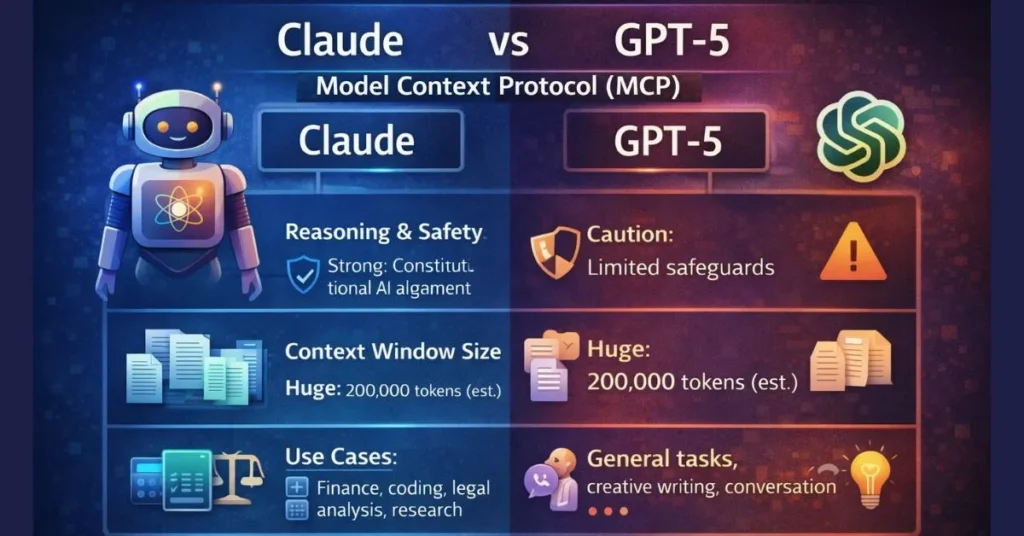
Claude is generally preferred for structured analysis and long-document reasoning, while GPT-5 is often stronger in creative ideation and open ended exploration. The best choice depends on task requirements.
For a deeper, model-level comparison across ecosystems, see our detailed breakdown of Gemini 3 vs Claude 4.5 covering reasoning, context limits, and real world performance.
While Claude excels in professional workflows, other tools might better suit your search or creative needs. Compare all your options in our expert guide to the [Best AI Chatbots of 2026].
While both tools are powerful, they excel in different areas:
| Task Type | Claude Strength | GPT-5 Strength |
| Financial analysis | Logical consistency, structured output | Scenario exploration |
| Long documents | Large context handling | Summarization speed |
| Creative ideation | Moderate | Strong |
For structured reasoning and data extraction, Claude often delivers more predictable results.
3. Automated Financial Modeling & Structured Outputs
How Analysts Use Claude for Financial Modeling (AI Overview Ready)
Analysts use Claude to extract financial metrics from documents and generate structured outputs such as tables or JSON that can be imported into Excel, Python, or BI tools.
Claude is frequently used by analysts to generate machine-readable outputs such as JSON or tables.
Workflow example:
- Upload PDFs containing financial metrics
- Prompt Claude to extract growth rates or margins
- Export results into Excel, Python, or BI tools
This reduces manual errors and speeds up model preparation.
4. Sentiment Analysis of Earnings Calls
Claude can analyze management tone across earnings transcripts.
Typical steps:
- Upload transcript
- Identify hedging language or uncertainty
- Compare sentiment trends across quarters
Used correctly, this supports qualitative analysis not investment decisions on its own.
Claude Computer Use: Assisted Task Automation

What Is Claude Computer Use? (Claude AI Overview Ready)
Claude Computer Use enables guided interaction with web interfaces, allowing the model to assist with navigation, data collection, and repetitive tasks while keeping final control with the user.
Claude’s Computer Use feature allows guided interaction with web interfaces under user supervision.
5. Research & Price Comparison
Instead of manual tab switching:
- Claude navigates websites
- Collects pricing or feature data
- Organizes results into tables
6. Form Filling & Administrative Tasks
Claude can assist with transferring structured information into legacy web portals, reducing repetitive manual work.
Industry studies indicate that AI workflow automation studies can significantly reduce operational overhead when paired with human oversight.
Important: Final review and submission always remain under human control.
Industry Automation Examples
7. Coding & Prototyping with Artifacts
Artifacts allow Claude to render:
- Code previews
- Simple dashboards
- Documentation drafts
This is especially useful for rapid prototyping and cross functional collaboration.
If you’re comparing broader AI ecosystems rather than single models, our ChatGPT vs Gemini comparison explains how model families differ across productivity, creativity, and tooling.
8. Legal Document Review
Law firms use Claude to:
- Identify inconsistent clauses
- Compare new contracts with prior templates
- Flag areas for human review
Claude supports legal teams but does not replace legal judgment.
Claude in Daily Life: Practical 2025 Use Cases
How People Use Claude AI in Daily Life (Claude AI Overview Ready)
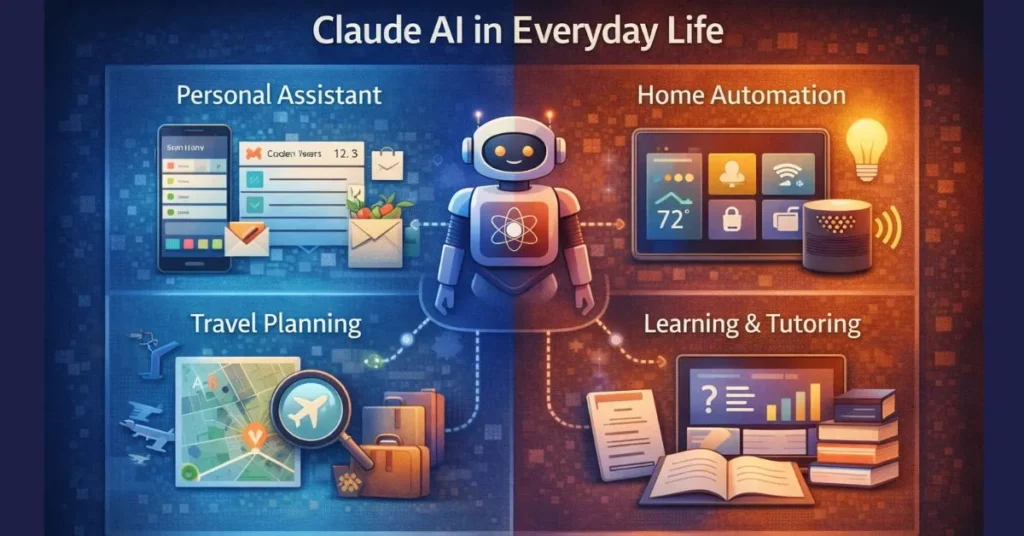
In 2025, individuals use Claude for travel planning, learning assistance, research organization, and administrative support focusing on time savings rather than full automation.
9. Personalized Travel Planning
Claude can organize travel options based on:
- Budget constraints
- Calendar availability
- Preference filters
It prepares shortlists but does not complete payments.
10. Learning & Study Assistance
Students use Claude as an interactive tutor:
- Chapter based quizzes
- Concept explanations
- Socratic style questioning
This supports comprehension rather than shortcutting learning.
Conclusion: Building a Claude Centered Workflow
In Short (Claude AI Overview Ready)
Claude is most effective when used as a reasoning assistant embedded into professional and personal workflows, handling complex context and repetitive tasks while humans retain decision making authority.
In 2025, Claude is best viewed not as a chatbot, but as a reasoning assistant embedded into workflows. Its strengths large context handling, structured outputs, and cautious design make it particularly valuable for professionals.
Best practice:
- Use MCP for ongoing projects
- Use Artifacts for visualization
- Delegate repetitive tasks, not critical decisions
When used intentionally, Claude can save hours each week while maintaining analytical rigor.
FAQs
What is Model Context Protocol (MCP)?
MCP allows Claude to securely reference connected data sources and maintain project context across sessions.
Is Claude suitable for business use?
Claude is designed with safety and predictability in mind, making it suitable for professional environments when combined with human oversight.
What are Claude Artifacts?
Artifacts are persistent workspaces where Claude renders and previews code, documents, or interfaces.
Can Claude automate tasks on my computer?
Claude can assist with guided computer interactions, but final control remains with the user.
Why do analysts prefer Claude for large documents?
Claude’s large context window allows comprehensive analysis of long reports without excessive summarization loss.

𝑻𝒉𝒆 𝑷𝒖𝒍𝒔𝒆 𝒐𝒇 𝑮𝒍𝒐𝒃𝒂𝒍 𝑨𝒇𝒇𝒂𝒊𝒓𝒔
